04 // Stereo sampling
SMPL
Load your own audio. Slice it by transients or equal regions, then trim, reverse and loop it.
Bring your VST3 instruments and samples. Native synthesis, per-step sound settings and graph-based arrangement.
Fully unlocked. No card required.
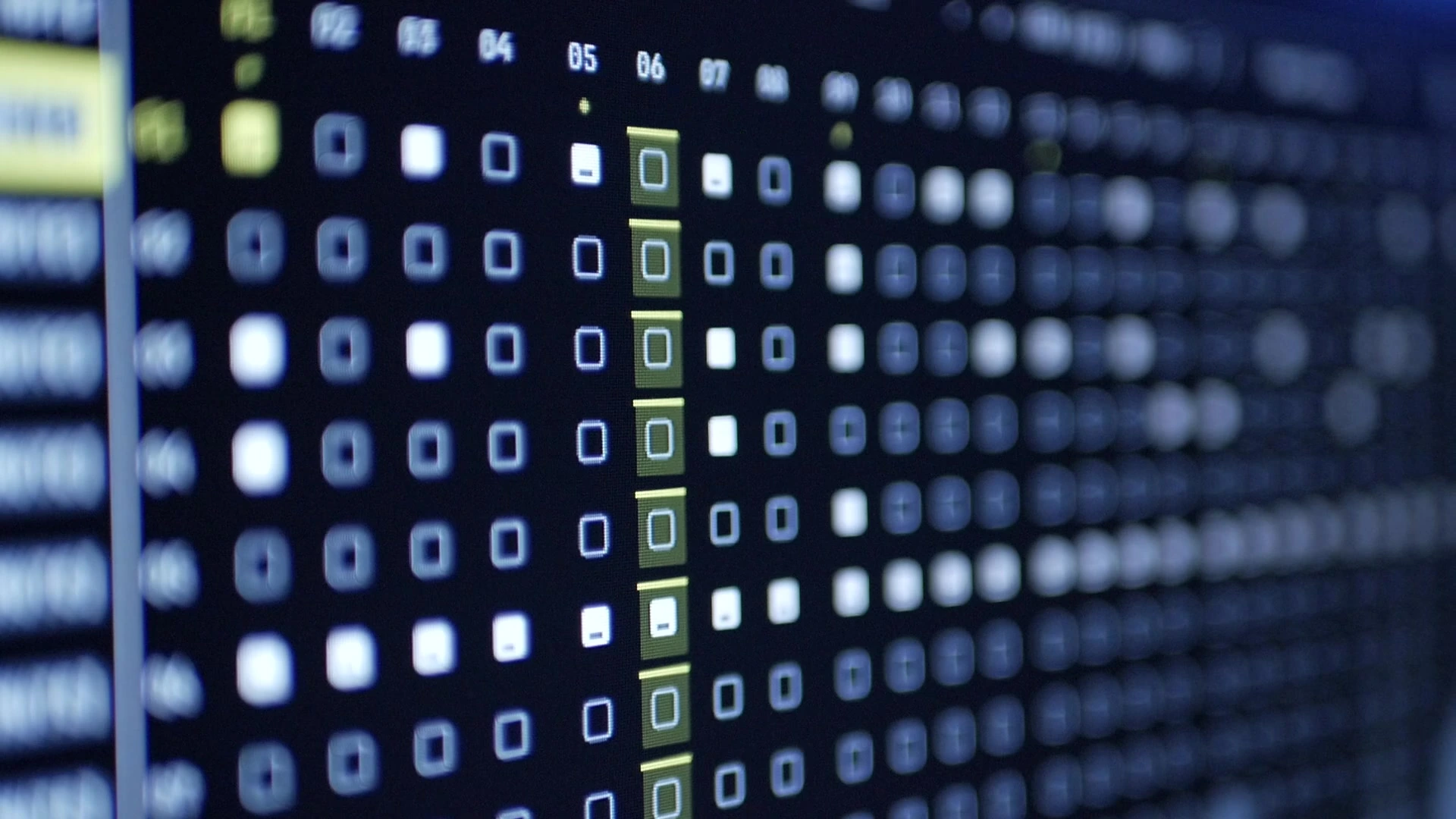
16 tracks / 512 steps per pattern / VST3 hosting
01 // Sound
SYN2 // FM4P // DRUM // SMPL // VST3 // MIDI // EXTNSeven engines. Native synthesis, samples, plugins and external gear. Choose the source for each track.
04 // Stereo sampling
Load your own audio. Slice it by transients or equal regions, then trim, reverse and loop it.
05 // Plugin instruments
Bring your own instruments. Open their native editors and map eight parameters to SubKorr’s controls.
06 // External sequencing
Sequence your synths and drum machines. Send notes, eight assignable CCs, pitch bend and pressure.
07 // Live audio input
Bring live audio into a track. Choose a mono input or stereo pair, then shape it with Drive, Filter, EQ and FX sends.
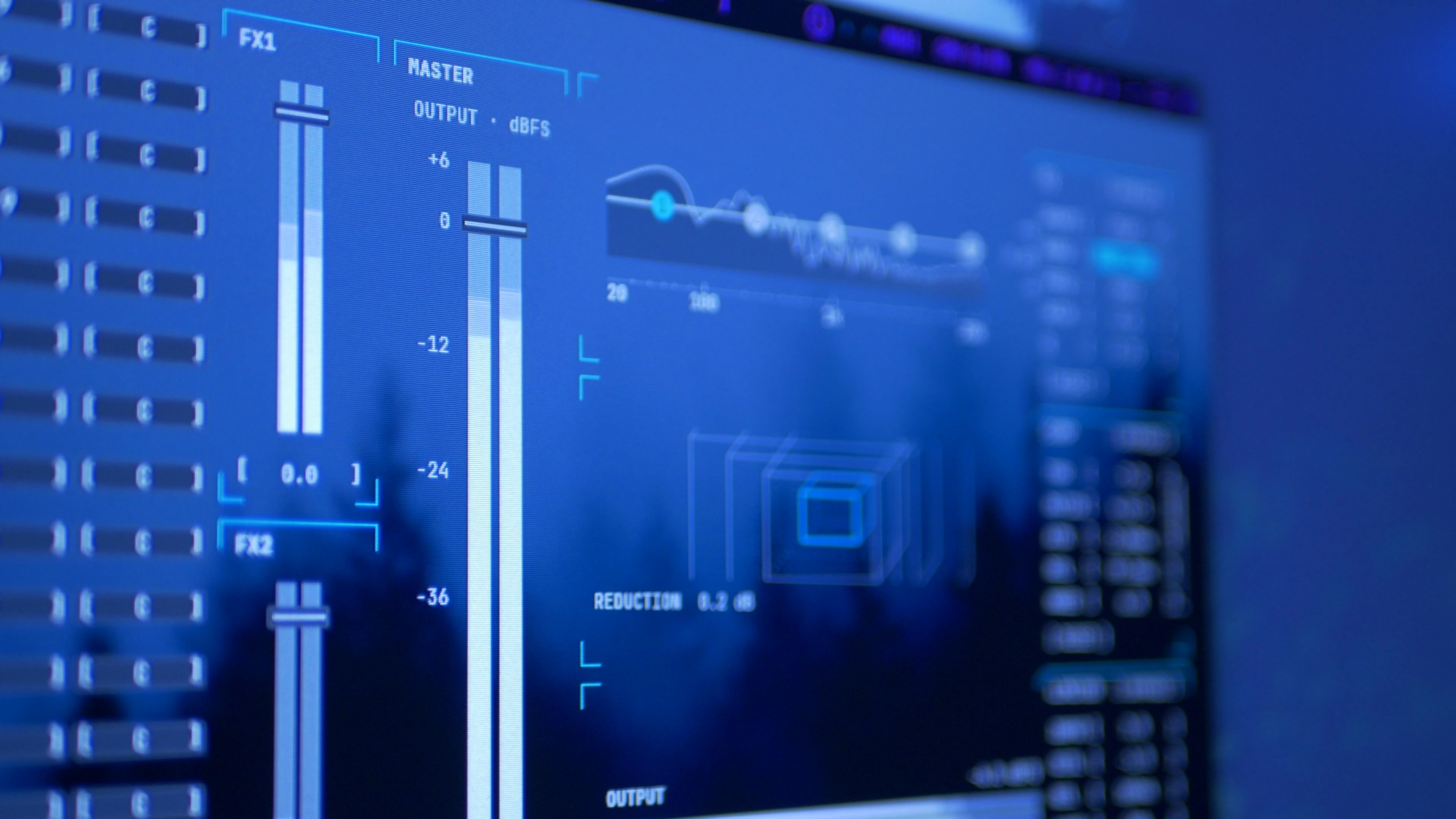
Processing // shared effects
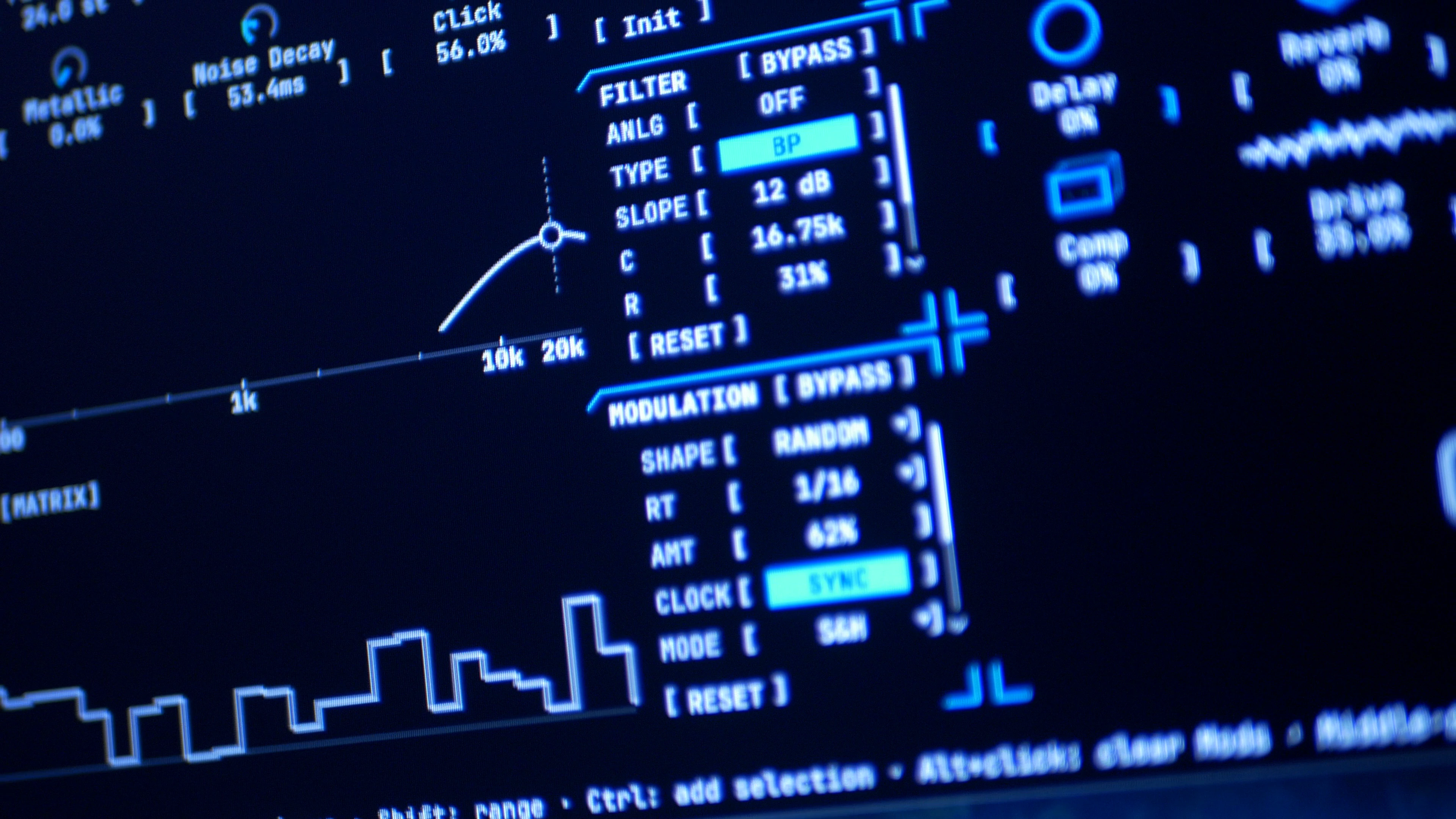
FX1 and FX2 each contain Delay, Reverb, Chorus and Phaser. Send each track to any of the eight effects, with separate return levels and cross-bus sends.
Per-track Drive and EQ // shared Master compression, EQ and limiting
02 // Sequence // variation
Every step can be different.Sound and parameter changes per step. Repeats, conditions and independent track lengths.

Sound and parameter states per step, with repeats, conditions and independent track lengths.
Six LFOs and two ADSR envelopes per track, with three destinations each. Tempo sync and custom LFO shapes.
Resample track ranges and loop counts with effects and modulation. Render graph arrangements to WAV, AIFF or FLAC.
Graph // arrangement
Pattern nodes with per-instance repeats, tempo and track mutes. Control nodes with Hold, Linear and Ease automation.
See the workflow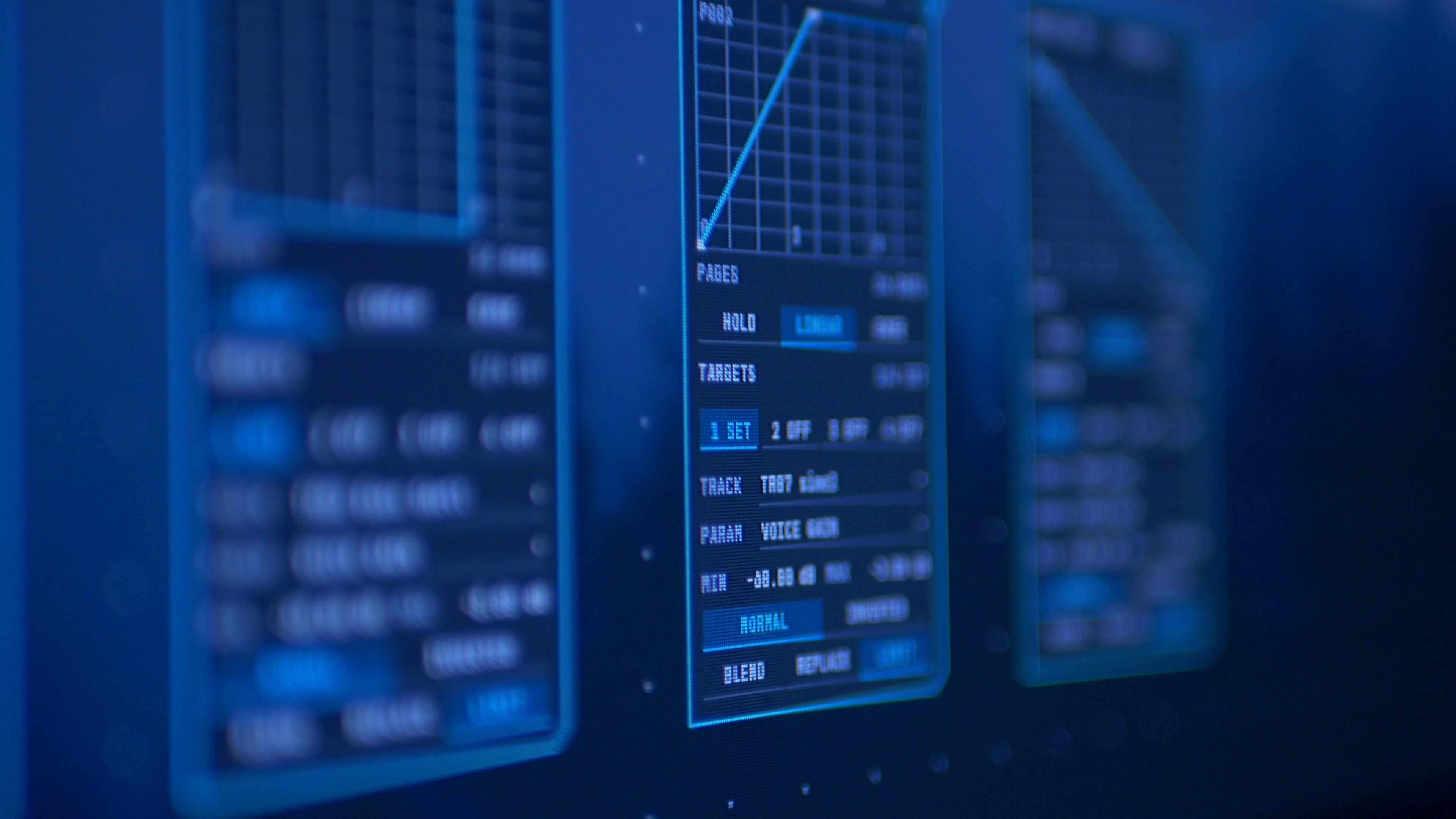
03 // Getting started
Interface and workflow walkthrough.Quickly MIDI Learn most parameters, then save a reusable controller layout in Options MIDI.
Save your project and audio together in one .sbkr file for easier organization and sharing. VST3 plugins and their external libraries are installed separately.
Record an external input, an individual track or the main mix. Count-in, metronome and a live waveform help you capture a take, then review it before keeping it.
Capture a sample or VST sound as a new audio asset. Use Resample for native SYN2, FM4P and DRUM tracks.
Themes // your workspace
Comprehensive theme controls. Set the colors, bring your own wallpaper, and tweak it how you like.
SubKorr for Mac is in research and development, starting with Apple Silicon. There’s no release date yet.

04 // Behind SubKorr
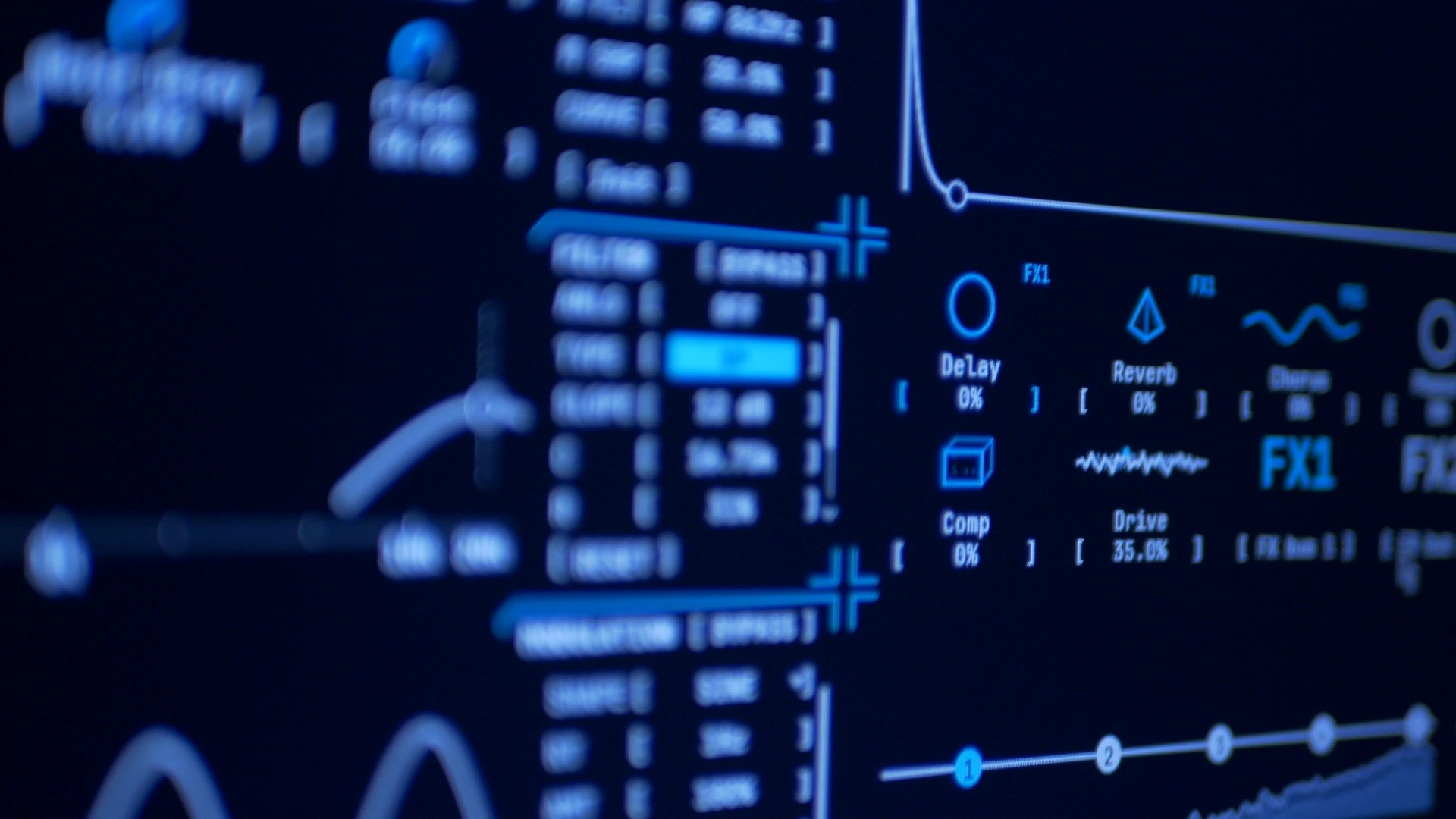
SubKorr started as a side project because I just wasn’t feeling inspired anymore. I think a lot of electronic musicians get there at some point. It’s probably why we’re always chasing new gear and workflows. I’m 100% guilty of that. I’ve tried so many things over the years, but never quite found what I wanted: something dead simple, with exactly the tools I needed.
You won’t find a traditional left-to-right timeline in SubKorr, or an aging interface with AI features bolted onto it. You get a sequencer, a mixer, a native node graph for arranging patterns, audio engines, a standard FX/DSP suite, and project management. There’s more detail once you get into it, but the goal has always been to remove obstacles.
I’ve spent years in Ableton, FL Studio, Renoise and Bitwig. There’s a lot to like about all of them, but so much of what you pay for never had a place in how I make music. Maybe a full studio needs those things. As an independent artist, I simply don’t. I need the software to cooperate and let me get somewhere without giving me decision paralysis.
Anyways, that’s where SubKorr came from, and I plan to keep refining it for as long as I reasonably can. If you buy a license, any and all future updates and feature additions are included for the life of the program. No subscription. No paying again to upgrade.
I’m excited to see what people make with it and hear the feedback, good and bad. Just know up front: SubKorr is meant to be an instrument, not a DAW.
05 // Get SubKorr
Windows // x6430-day evaluation
No card requiredTry SubKorr fully unlocked for 30 days. Your evaluation starts when you activate in SubKorr.
Projects become read-only when your evaluation ends.
Personal license
One-time purchaseOne-time introductory price for the first 90 days. No subscription.
Any tax is shown at checkout.
Windows 10 build 17763 or later, or Windows 11, on a 64-bit PC. 8 GB RAM minimum. Minimum window: 1600 × 900 logical pixels. Use 100% scaling at 1080p.
ASIO® and WASAPI support. 48 kHz is recommended for live playback; higher rates are still being optimized. Optional MIDI input and separately licensed 64-bit Windows VST3 instruments.
Evaluation is fully unlocked for 30 days from activation, on up to two computers. Internet is required at launch and for periodic checks. After expiry, projects open and play, but editing, recording, saving and export are locked.
Personal license: $45 USD introductory price for the first 90 days. Pay once, activate two computers in Options About. Internet is required for activation and periodic validation, with up to 14 days offline. Refunds are available within 14 days if the license key has not been used.
ASIO® and WASAPI support
ASIO is a trademark of Steinberg Media Technologies GmbH, registered in Europe and other countries.
06 // Updates
New releases and occasional notes on SubKorr. Unsubscribe anytime.